HOW TO...
CREATE AN EVENT:
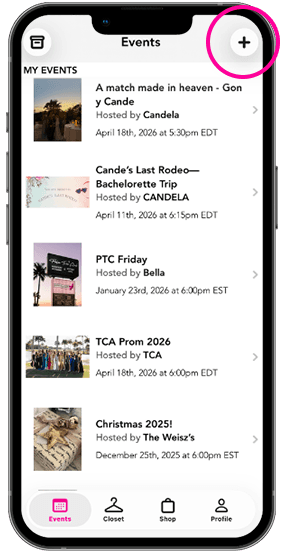
First, go to the events tab from the main page, then click the plus icon on the top right to start creating your own event.
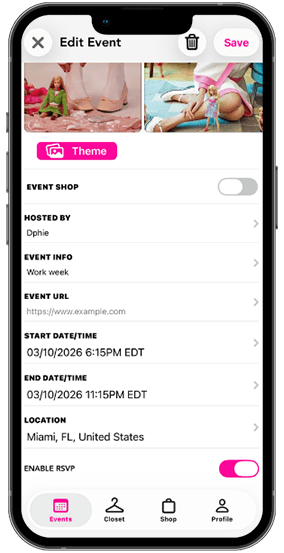
Then, create your event. Specify the theme, vibe, dress code by uploading image inspiration (think an event Pinterest board). After that, input key event information such as the time and location.
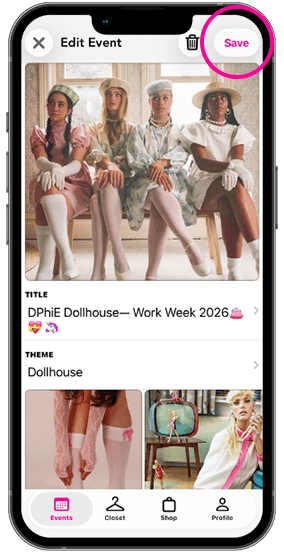
Lastly, press save in the top right corner to publish your event and start sending the event to all those invited!
First, go to the events tab from the main page, then click the plus icon on the top right to start creating your own event.
Then, create your event. Specify the theme, vibe, dress code by uploading image inspiration (think an event Pinterest board). After that, input key event information such as the time and location.
Lastly, press save in the top right corner to publish your event and start sending the event to all those invited!
UPLOAD A DRESS:
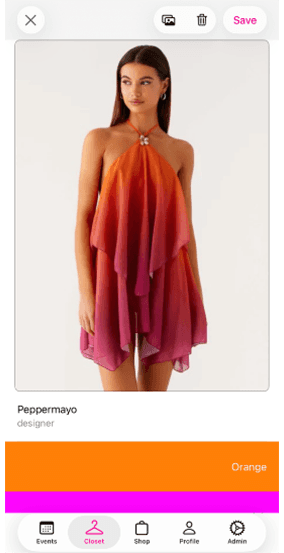
UPLOAD YOUR DRESS TO THE CLOSET
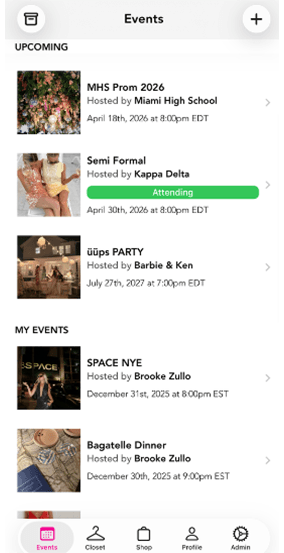
ASSIGN YOUR DRESS TO THE SPECIFIC EVENT
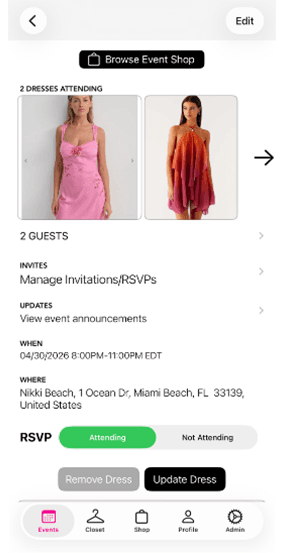
SCROLL TO THE BOTTOM OF THE EVENT AND ADD YOUR DRESS
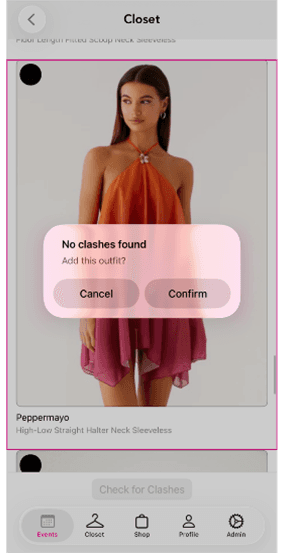
SEE WHAT OTHERS ARE WEARING AND AVOID CLASHES!
SHARE THE EVENT:
Press on the “Manage Invitations/RSVP” button
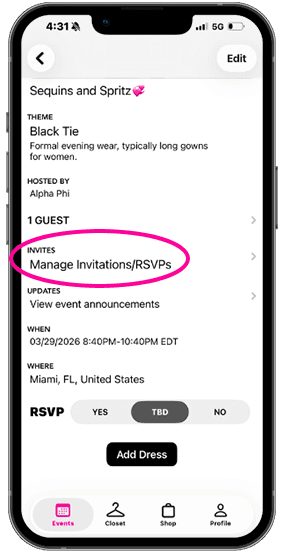
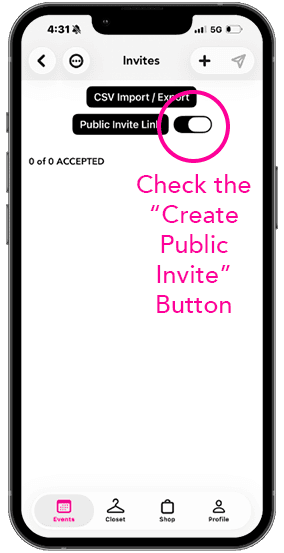
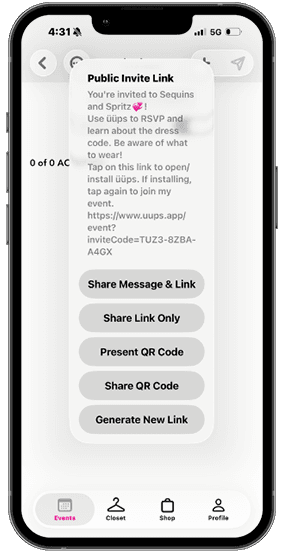
Choose how you want your guests to receive their invite

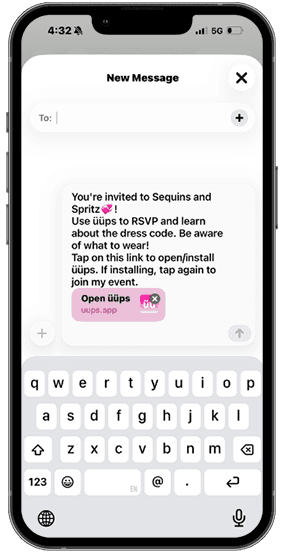
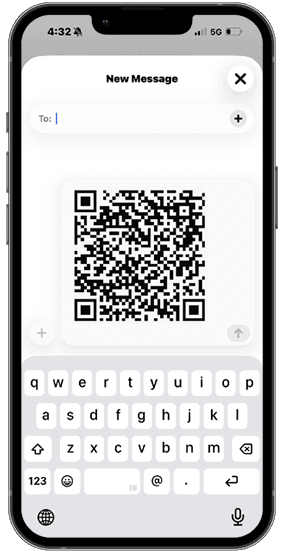
Send to friends as either:
- A live link
- A QR code
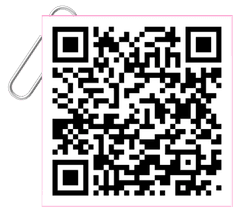
download üüps now
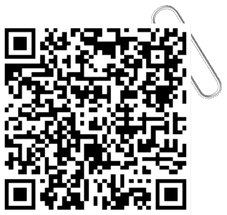
check out a sample event